SwitchBuilder PRO 0.9.5 is available as a paid beta with a signed, RBE-protected RBZ. Verified by automated native checks (installation, activation, geometry, editing, reports, Undo and save/reopen) on Windows 11 with SketchUp 26.2.243; SketchUp 2026 on macOS was checked on an earlier 0.9.5 build. Not verified: manual GUI workflows, offline use, updates and other SketchUp versions. Back up your model before use. TileBuilder PRO is available as a Windows-limited paid beta; see its product page for verified compatibility.
Built by an architect · For desktop SketchUp
Less repetition. More design.
Precise tools for the interior details you model again and again.
Work faster, keep the result editable and stay in control of your
project.
Made for real interior projectsLocal, editable workflowsClear compatibility and limitations
The toolkit
One focused tool at a time.
SwitchBuilder and TileBuilder help keep detailed interior work
editable. FREE public betas are available. SwitchBuilder PRO paid beta: automated native checks passed on Windows 11 / SketchUp 26.2.243; macOS was checked on an earlier 0.9.5 build; manual GUI, offline use and updates are not verified. TileBuilder PRO is available as a Windows-limited paid beta; see its product page for verified compatibility.
FREE + PRO public beta
SwitchBuilder
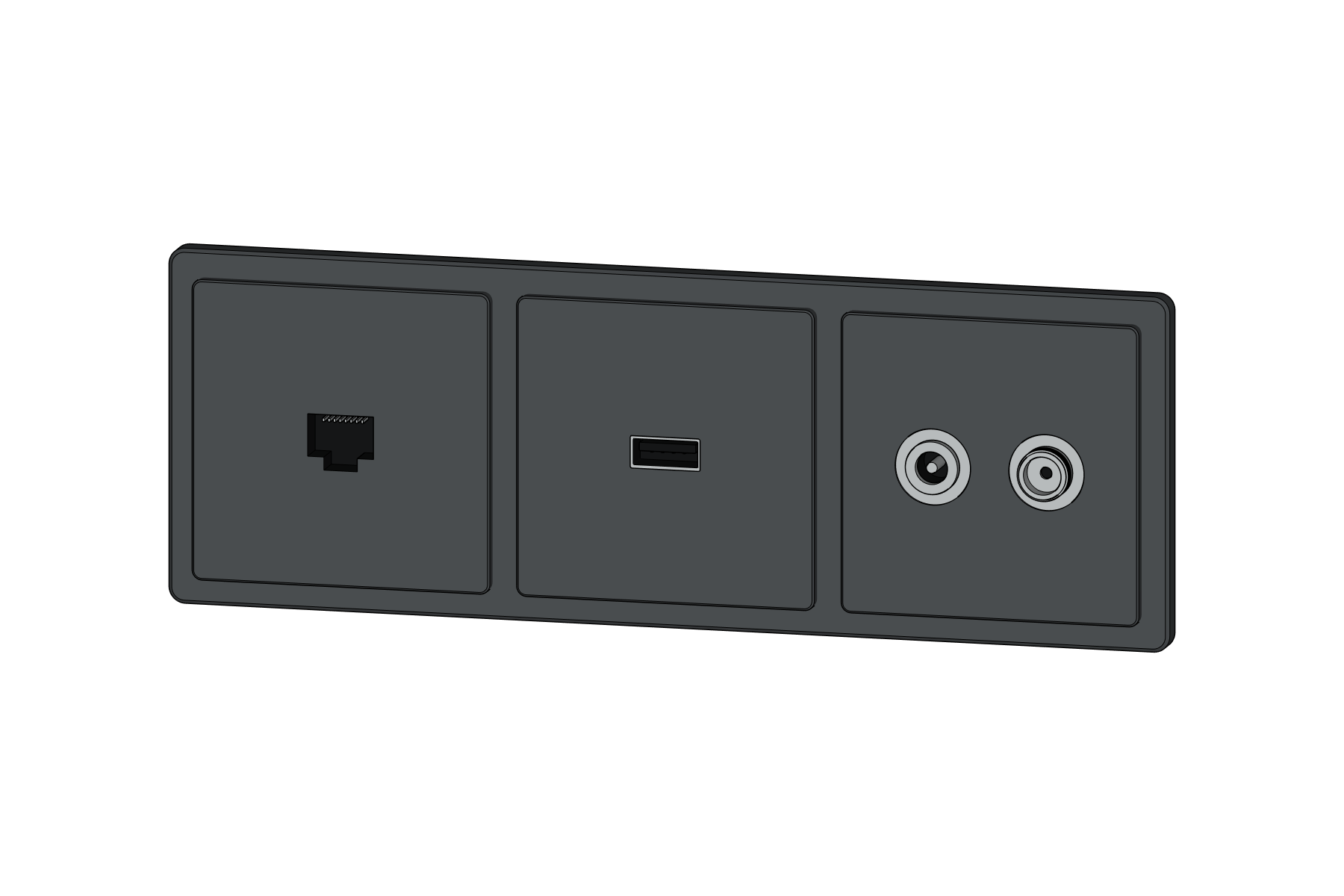
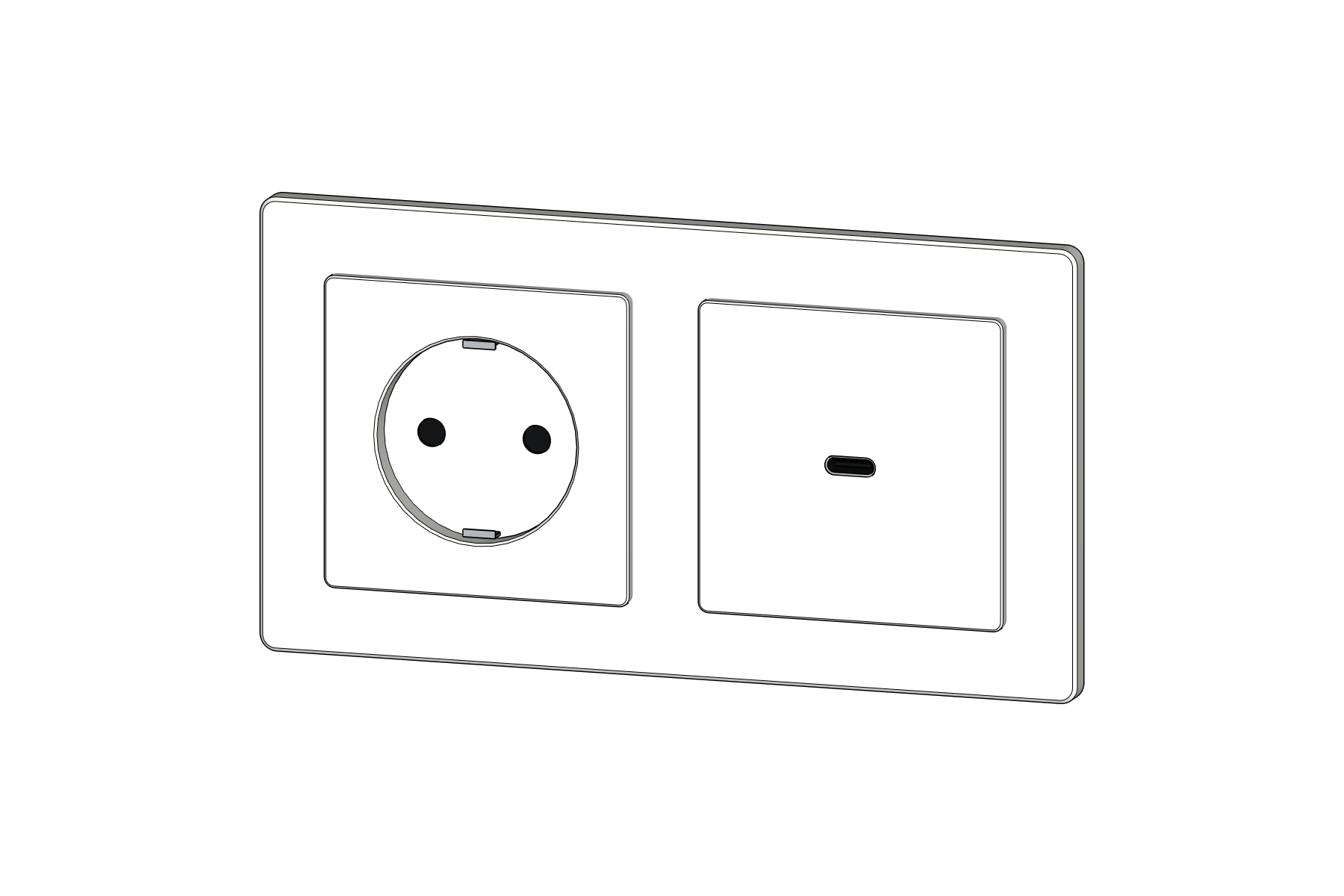
Compose switches, sockets and data outlets, place the complete
assembly and update it later—without rebuilding every component
by hand.
FREE: 1–2 positionsLow / High detailPRO editing / reports
Every tool starts with a repeated task from architectural practice
and must prove that it saves time without damaging the model.
01 / CONTROL
Editable by design.
Generated work should remain understandable and adjustable as
the project changes.
02 / PERFORMANCE
Detail where it matters.
Keep working geometry light, then add the level of detail a
close-up or final output needs.
03 / TRUST
No vague promises.
Supported versions, limitations and release status are stated
clearly and updated with every release.
TileBuilder 0.13.0
Your tile layout, under your control.
Build individual 3D tiles and grout around openings, keep the
layout editable and export quantities. Start with Free, then add
more design axes and project schedules with PRO.
Free has no time or project limit.
PRO is a one-time $39 purchase with two activations.
This new stripped FREE beta still needs Windows and clean-install testing.
FREE public beta, released 1 October 2026. PRO implementation is physically excluded from this FREE package. Automated tests and isolated checks in SketchUp 2026 for macOS passed; clean installation, restart, reinstall/update and new Windows testing of this stripped package are still pending. This RBZ is unsigned. Back up your model before testing. SwitchBuilder PRO paid beta: automated native checks passed on Windows 11 / SketchUp 26.2.243; macOS was checked on an earlier 0.9.5 build; manual GUI, offline use and updates are not verified. TileBuilder PRO is available as a Windows-limited paid beta; see its product page for verified compatibility.